
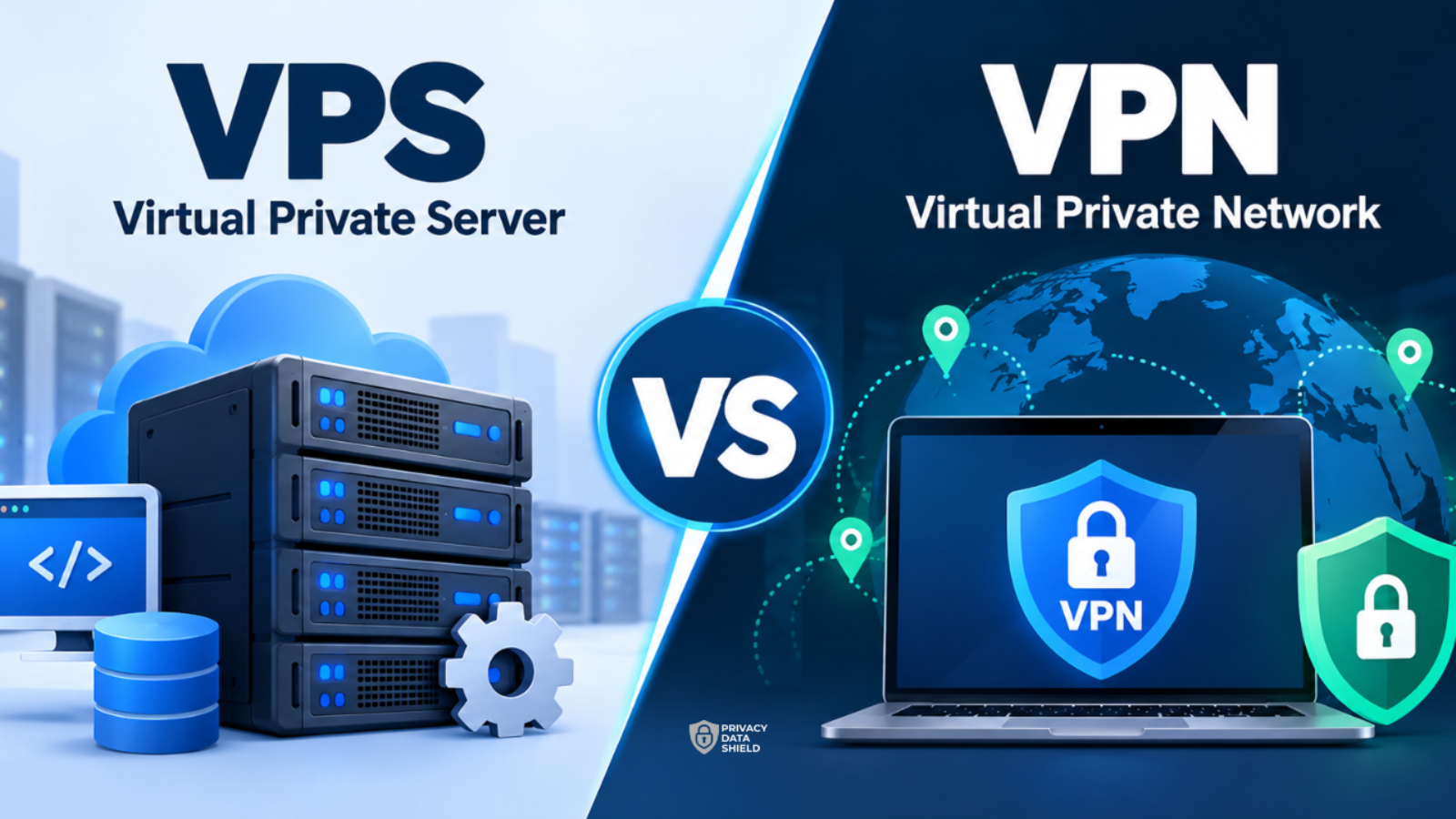
VPS, VPN… they’re one letter apart, both have “virtual” and “private” in the name, and both live somewhere out on the internet. So they must be close cousins, right?
Not really. They solve completely different problems, and mixing them up can leave you paying for something you don’t need, or worse, trusting something to protect you when it was never built to.
Let’s untangle them.
VPS vs. VPN: the quick comparison
The short version: a VPS is a computer you rent to run things on. A VPN is a privacy tool that protects how your device talks to the internet. Here’s the side-by-side:
| VPS | VPN | |
|---|---|---|
| What is it? | A rented virtual server | A privacy and security technology |
| What is it for? | Hosting websites, apps, games, and tools | Protecting your connection and your online privacy |
| Who usually uses it? | Developers, businesses, site owners | Everyday internet users, travelers, remote workers |
| What does it do for you? | Gives you your own space, resources, and control to run software | Encrypts your traffic and hides your real IP address from the sites you visit |
| What does it not do? | Hide your activity or protect your privacy by default | Host your website or run your applications |
Still with us? Good. Now let’s look at each one properly.
What is a VPS?
A VPS (Virtual Private Server) is a slice of a powerful physical server that a hosting company rents out to you. The provider takes one big machine and divides it into several independent virtual machines. Each one behaves like its own standalone computer, with its own operating system, storage, and a guaranteed share of processing power and memory.
Think of a large office building. The building is the physical server. Each company renting a floor is a VPS customer. You all share the same foundations and the same roof, but you have your own locked door, your own layout, and your own furniture. What your neighbor does on their floor doesn’t spill into yours.
One small warning about the word “private.” In VPS, it means your environment is separated from other customers. It does not mean your activity is hidden. Your VPS has an IP address, your provider knows who you are, and anything you host on it is reachable, and traceable, like any other server. (Not to be confused with a VPC, or Virtual Private Cloud, which is a different cloud networking concept.)
How does a VPS work?
The magic word is virtualization. Special software called a hypervisor sits on top of the physical hardware and carves it into isolated virtual machines. Each machine gets its own allocated resources, and you usually get deep control over it, including the ability to install your own software and configure it however you like.
That’s what makes a VPS sit comfortably between two other hosting options:
- Shared hosting: many websites share one environment. It’s cheap, but you have little control and your neighbors’ traffic can slow you down.
- Dedicated server: an entire physical machine is yours alone. It’s powerful and flexible, but it’s the priciest option.
- VPS: your own isolated slice with guaranteed resources, at a price that’s usually well below a dedicated server.
What is a VPS used for?
A VPS is all about running things. People commonly rent one to:
- Host a website, blog, or online store that has outgrown shared hosting;
- Run web apps, APIs, or databases;
- Set up a test or development environment;
- Host a game server or a private tool for a team;
- Run scheduled scripts and background jobs around the clock;
- Scale up resources as a project grows.
What are the benefits (and catches) of a VPS?
The good stuff:
- You get dedicated resources instead of fighting for them;
- It’s highly customizable;
- It’s easy to scale up when traffic grows;
- It costs far less than a dedicated server.
The catches:
- Unless you pick a managed plan, you’re the sysadmin. Updates, firewalls, and security patches are on you;
- It takes some technical know-how to set up and maintain properly;
- It does nothing to protect your personal browsing.
So a VPS is brilliant for building and hosting. But if what you want is to keep your everyday online life private, you’re looking at a different tool entirely.
What is a VPN?
A VPN (Virtual Private Network) is a privacy technology, usually delivered as an app. When you switch it on, it creates an encrypted tunnel between your device and a VPN server. Your traffic travels through that tunnel, then goes out to the wider internet from the server’s location.
The result: the websites you visit see the VPN server’s IP address instead of yours, and anyone watching your connection locally, such as the owner of a café’s Wi-Fi network, sees scrambled data instead of your activity. Your internet provider can still see that you’re connected to a VPN, but not what you’re doing inside the tunnel.
If a VPS is a rented office, a VPN is a sealed, private corridor between you and the places you’re going. It doesn’t give you anywhere to host anything. It just makes the journey much harder to snoop on.
When should I use a VPN?
A VPN earns its keep in everyday situations like these.
You’re on public Wi-Fi. Airports, hotels, and cafés are convenient, but you can’t know who else is on the network or how well it’s secured. A VPN encrypts your traffic so people on the same network can’t read it.
You don’t want your ISP watching. Without a VPN, your internet provider can see which sites you connect to. With one, it sees only an encrypted connection to the VPN server.
You’re traveling and want your usual content. Streaming libraries, news sites, and banking services can behave differently depending on where you are. Connecting to a server in another country can help you reach what you normally would at home, as long as you follow the service’s terms and local laws.
You want to compare prices. Some travel and booking sites show different prices depending on location. Switching your virtual location lets you check whether you’re getting the best deal.
You want fewer IP-based trackers following you. Hiding your real IP address removes one of the easiest ways for sites and advertisers to link your activity to you.
What are the benefits of a VPN?
- Encrypts your internet traffic on untrusted networks;
- Hides your real IP address from the sites you visit;
- Stops your ISP from seeing the details of your browsing;
- Helps you reach content that’s restricted by location;
- Adds a layer of safety to everyday tasks like online banking and shopping.
What a VPN can’t do
Honesty time. A VPN is a great privacy layer, not an invisibility cloak. It won’t stop you from being tracked by cookies, browser fingerprinting, or the accounts you’re logged into. It won’t protect you from malware or phishing links. And the VPN provider itself can technically see your traffic, so it’s worth choosing one with a clear, independently verified privacy policy.
Use a VPN alongside good habits: strong passwords, two-factor authentication, updated software, and a healthy suspicion of strange links.
Is a VPN better than a VPS?
That’s a bit like asking whether a toolbox is better than a delivery van. It depends entirely on the job.
- Want to run a website or an app? You need a VPS (or other hosting).
- Want to protect your connection and privacy while you browse? You need a VPN.
There is a small overlap. Both can give you an IP address in another country, so both can be used to reach location-restricted content. Rent a VPS in the country you want, or connect to a VPN server there with one tap. For most people, the VPN is far simpler.
There’s also a DIY route. Some tech-savvy people install VPN software on their own VPS to build a personal VPN. It can work, but you’ll be maintaining it yourself, you’ll have a single server location, and your traffic will all come from one IP address that’s tied to your account with the hosting provider. A commercial VPN gives you many locations, ready-made apps, and shared server IPs, with none of the upkeep.
Can you use them together?
Yes, and plenty of people do. If you run a VPS, you can use a VPN to protect your connection when you log in to manage it from public Wi-Fi, or restrict admin access to your server so only VPN connections can reach it. They’re different tools that happen to work well on the same team.
VPS vs. VPN: so, are they different? Very.
A VPS gives you a space to build and host things online, with more power and control than basic shared hosting. A VPN protects your connection and helps keep your browsing private.
One is for running your projects. The other is for protecting yourself while you use the internet. If you’re after the second, that’s exactly what we’re here for.
Ready to browse with more privacy? Get Privacy Data Shield and put an encrypted tunnel between you and the networks you don’t control.
FAQ
Can I use a VPS as a VPN?
Not on its own. A VPS is just a server. You can install VPN software on one to create a personal VPN, but that takes technical setup and ongoing maintenance, and it won’t give you the locations, apps, or shared IPs of a dedicated VPN service.
Can a VPS be traced?
Yes. A VPS has its own IP address and is tied to your account with the hosting provider, so it doesn’t hide your identity or location by default. If privacy is your goal, a VPS alone isn’t the answer.
Do I need a VPS or a VPN?
If you want to host a website, app, or service, you need a VPS. If you want to protect your connection and your privacy, you need a VPN. Some people need both.
Is a VPS more secure than a VPN?
They aren’t comparable, because they do different jobs. A VPS’s security depends on how well it’s set up and maintained. A VPN’s security depends on its encryption and on the provider you trust.
