
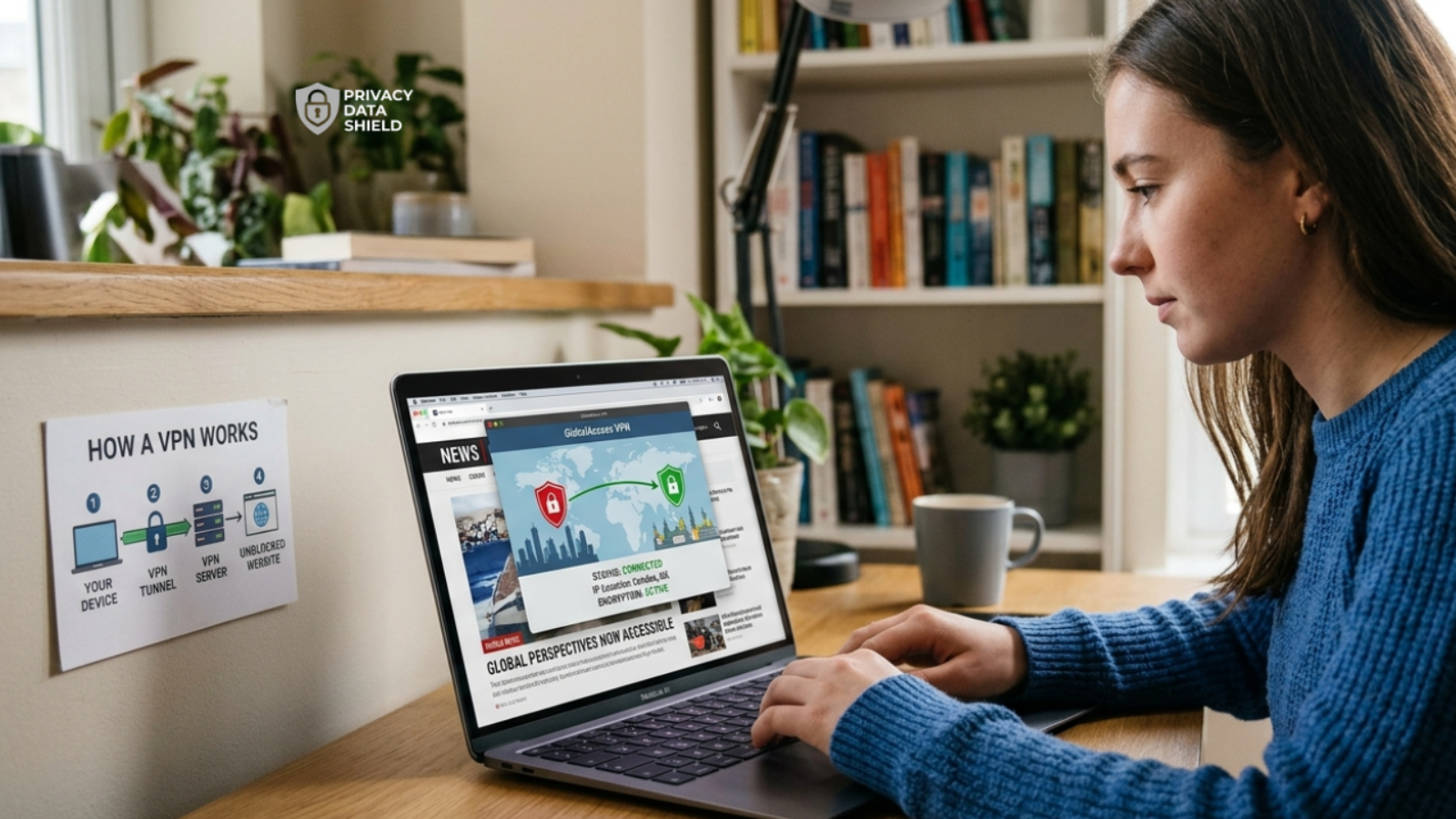
The safest way to access a blocked website is with a reputable, paid VPN. A VPN encrypts your connection and sends it through a server in another location, so the network you’re on sees an encrypted tunnel instead of the sites you visit, and the websites see the VPN server instead of you.
But not every VPN is up to the job. Some can’t get past strict school or office filters, some log more than they should, and some are simply slow. Below, we compare seven well-known VPNs, show you how to use one step by step, and explain what to do when a site still won’t load.
Why are websites blocked in the first place?
A website can be blocked at several levels, and knowing which one you’re up against helps you choose the right fix:
- Schools and workplaces block social media, streaming, and games to save bandwidth and keep people focused;
- Internet service providers (ISPs) may block sites because of local regulations or court orders;
- Governments restrict news, social media, or messaging apps they want to control;
- Website owners limit content by location, which is why a streaming library can look different when you travel.
Is it legal and safe to unblock websites?
In most countries, using a VPN is legal. What you do while connected still has to follow the law, the website’s terms of service, and any rules set by your school or employer. Some countries restrict or ban VPNs, so check your local rules before you connect, especially when traveling. This guide is for lawful uses like reaching your own accounts while abroad, reading news, or getting around an overly strict filter where you’re allowed to.
As for safety, a VPN is only as trustworthy as the company behind it. A VPN provider can see your traffic before it reaches the internet, which is why a clear privacy policy and independent audits matter.
How does a VPN help you access blocked websites?
Here’s what happens when you connect:
- You open the VPN app and connect to a server, ideally in a country where the site isn’t blocked;
- Your traffic is encrypted and travels through that server instead of going straight to the site;
- The network you’re on can’t see which sites you’re requesting, and the website sees the VPN server’s IP address, not yours;
- The page loads as if you were browsing from the server’s location.
That’s also why a VPN is a safer bet than the free “unblocker” web proxies you’ll find online. Many of those sites are run by unknown operators, load you with ads, and can see everything you send through them.
What to look for in a VPN for blocked sites
Before you pick one, check these basics:
- A no-logs policy that has been independently audited, so the claim doesn’t rest on the company’s word alone;
- A stealth or obfuscation mode that disguises VPN traffic, because some school, office, and national networks try to detect and block VPNs;
- A kill switch, which cuts your internet if the VPN drops, so your real IP address isn’t exposed;
- Enough server locations to find one where your site isn’t blocked;
- A money-back guarantee, so you can test it on the network that’s blocking you before you commit;
- A good reputation. Be careful with free VPNs from unknown companies. Some earn money by collecting and selling your data.
Quick comparison
| VPN | Best for | Simultaneous devices | Money-back guarantee |
|---|---|---|---|
| ExpressVPN | Ease of use and reliability | Up to 14, depending on plan | 30 days |
| Proton VPN | Privacy and a free plan to try | Free plan: 1. Paid plans: multiple | 30 days on paid plans |
| NordVPN | An all-round pick with a protocol built for strict networks | 10 | 30 days |
| Surfshark | Families and many devices | Unlimited | 30 days |
| PrivateVPN | Light, budget-minded use | 10 | 30 days |
| VeePN | Low-cost plans | Depends on plan | 14 to 30 days, depending on plan |
| PureVPN | Big server network at a lower price | 10 | 31 days |
The 7 best VPNs to access blocked websites safely
The right pick depends on your budget and where you’re connecting from, so we’ve laid out the strengths and trade-offs of each one.
1. ExpressVPN
ExpressVPN is known for polished, easy-to-use apps and steady performance, which makes it a comfortable first VPN. It has servers in over 100 countries, so you have plenty of places to connect through when a site is blocked where you are. Reviewers also report that it holds up well in restrictive countries.
- Privacy: its servers run on RAM only, so data isn’t written to a hard drive;
- Devices: up to 14 at once, depending on the plan you choose;
- Risk-free: a 30-day money-back guarantee.
Best for: beginners, frequent travelers, and anyone who just wants it to work. Keep in mind: it costs more than most rivals, and there’s no free plan.

The highly popular VPN service, ExpressVPN uses TrustedServer technology for best-in-class privacy and high connection speed. It is an excellent choice for secure browsing.


2. NordVPN
NordVPN combines a large server network with a feature aimed squarely at this problem. Its NordWhisper protocol is built to work on restrictive networks like offices and schools, and it also offers obfuscated servers that hide the fact you’re using a VPN. Its no-logs policy has been independently audited several times, most recently by Deloitte.
- Network: thousands of servers across 100+ countries;
- Devices: up to 10 at once;
- Risk-free: a 30-day money-back guarantee.
Best for: an all-round pick for work, travel, and streaming. Keep in mind: no VPN can promise to beat every national firewall, and NordVPN is no exception.

The excellent speed makes NordVPN a great choice for high-speed browsing and downloading privately and securely.
3. Proton VPN
Proton VPN is the privacy-first choice. It’s based in Switzerland, its apps are open source, and its no-logs claim has been independently audited, most recently by Securitum in 2025. For blocked sites, its Stealth protocol is designed to get around networks that try to block VPN traffic.
- Free plan: unlimited data with servers in 10 countries on one device, which makes it an easy way to test the service;
- Secure Core: routes your traffic through two servers for extra protection;
- Paid plans: a much larger server network and more devices, backed by a 30-day money-back guarantee.
Best for: privacy-minded users and anyone who wants to try before paying. Keep in mind: free servers are slower, and reviewers say Stealth mode doesn’t always get through the strictest national firewalls.

High-speed VPN that safeguards your privacy. Stay private and access your banking and social media accounts with peace of mind.
4. PrivateVPN
PrivateVPN is a Sweden-based service with a smaller network of around 200 servers in about 63 countries. It makes up for that with Stealth VPN mode, which disguises VPN traffic as regular HTTPS traffic to get past deep packet inspection (DPI), a method some networks use to spot VPNs.
- Devices: up to 10 at once;
- Risk-free: a 30-day money-back guarantee;
- Good fit: straightforward everyday browsing and streaming.
Best for: light users on a budget. Keep in mind: the network is small, and its no-logs claim hasn’t been independently audited.

Get secure, private access to your favorite websites without the fear that your accounts are watched or hacked.
5. Surfshark
Surfshark lets you connect an unlimited number of devices on one subscription, which suits households. For blocked sites, it has two useful modes: Camouflage Mode makes your VPN traffic look like ordinary traffic, and NoBorders Mode steers you toward servers designed for restricted regions.
- Network: servers in 100+ countries;
- Extras: MultiHop (routes traffic through two servers) and a kill switch;
- Risk-free: a 30-day money-back guarantee.
Best for: families, people with lots of devices, and value-seekers. Keep in mind: some reviewers find it not always the fastest option.

With a cost-conscious price tag, this rising star of the VPN market features premium capabilities, including Kill Switch and excellent speed.
6. VeePN
VeePN is a Panama-based VPN known for low-cost long-term plans. It offers around 2,500 servers, double VPN (multi-hop) servers in several countries, and support for up to 10 devices on common plans, though device limits vary by plan.
- Risk-free: a 30-day money-back guarantee on longer plans, and 14 days on shorter ones;
- Setup: simple apps for most devices, and router support;
- Good fit: budget-conscious users who mainly want basic access.
Best for: shoppers who put price first. Keep in mind: independent reviewers note that VeePN hasn’t had an independent no-logs audit and that it keeps minimal session data, such as traffic volume and dates. Read the privacy policy before you decide.

VeePN delivers major privacy, strong encryption, vast servers, multiple protocols, device flexibility, and risk-free guarantee.
7. PureVPN
PureVPN has a large network of more than 6,000 servers in 65+ countries, and it includes obfuscation and specialty servers for streaming and P2P. It also has an unusual audit arrangement: KPMG performs always-on, unannounced checks of its no-logs claims.
- Devices: up to 10 at once;
- Restrictive regions: reviewers report that obfuscation and domain fronting help it work in places like China;
- Risk-free: a 31-day money-back guarantee.
Best for: users who want a big network at a lower price. Keep in mind: in 2017 the company handed connection logs to the FBI in a cyberstalking case. It has since rebuilt its infrastructure and moved to independent audits. Reviewers also note that some servers show a different location from the one you pick.

PureVPN offers fast, stable speeds, strong privacy protection, plenty of servers worldwide, and 24/7 live chat support.
How to unblock a website with a VPN: step by step
- Sign up for a VPN and download the app on your device (do this on a network where the VPN’s website isn’t blocked, such as your home Wi-Fi or mobile data);
- Open the app and log in;
- Choose a server in a country where the website works;
- Click connect and wait for the status to show “connected”;
- Open the website. If it still won’t load, clear your browser cache and try again.
What if your VPN is blocked too?
Some strict networks try to block VPNs as well. Here are the fixes to try, in order:
- Switch on stealth or obfuscation mode, such as Camouflage Mode, NordWhisper, Stealth, or Stealth VPN, depending on your provider;
- Change the protocol in your app’s settings;
- Try a different server or country;
- Connect over mobile data to check whether the problem is your network;
- Contact your VPN’s support. Many providers offer 24/7 chat and can tell you which server or mode works best on your network.
Tips to stay safe while unblocking websites
- Stick to reputable, paid providers rather than anonymous free apps;
- Keep the kill switch on, so your real IP address doesn’t slip out if the connection drops;
- Use HTTPS sites. The padlock in the address bar means the site’s traffic is encrypted, too;
- Don’t log in to sensitive accounts on public computers, VPN or not;
- Follow the rules. If a school or employer blocks a site on purpose, check their policy before you work around it;
- Keep your apps and devices updated.
Which VPN should you choose?
- You want the simplest experience: ExpressVPN;
- You care most about privacy, or want to start free: Proton VPN;
- You need a strong all-rounder for strict networks: NordVPN;
- You have many devices or a family: Surfshark;
- You’re on a tight budget: PrivateVPN, VeePN, or PureVPN, with the trade-offs noted above.
Whichever one you pick, use the money-back guarantee to test it on the network that’s blocking you.
Final thoughts
A VPN is the safest and simplest way to reach a blocked website, as long as you choose a provider you can trust and use it within the rules. Pick one that fits your budget, test it risk-free, and turn on a stealth mode if your network fights back.
FAQ
Is it legal to use a VPN to unblock websites?
In most countries, yes. VPNs are legal, but a handful of countries restrict or ban them. Whatever you do while connected must still follow local laws, the website’s terms, and any school or workplace rules.
Can my school or employer see that I’m using a VPN?
They may be able to see that you’re connected to a VPN server, but not the sites you visit or what you do inside the encrypted tunnel. Some networks block VPNs, and using one against a stated policy can get you in trouble.
Are free VPNs safe for accessing blocked websites?
Some are, but many aren’t. Unknown free VPNs may log and sell your data or show intrusive ads. If you want a free option, choose a provider with a transparent privacy record, and remember that free plans are usually slower and more limited.
Can a VPN unblock any website?
No VPN can promise that. Strict networks and government firewalls can block VPN traffic, and some sites actively block VPN servers. Switching servers or turning on a stealth mode often helps.
Will a VPN slow down my internet?
A small slowdown is normal because your traffic takes a detour through an encrypted server. A nearby server on a good provider usually keeps it small.
Which VPN is best for school or work networks?
Choose one with a stealth or obfuscation mode, such as NordVPN’s NordWhisper, Surfshark’s Camouflage Mode, or Proton VPN’s Stealth protocol, and check your school or employer’s policy first.
