
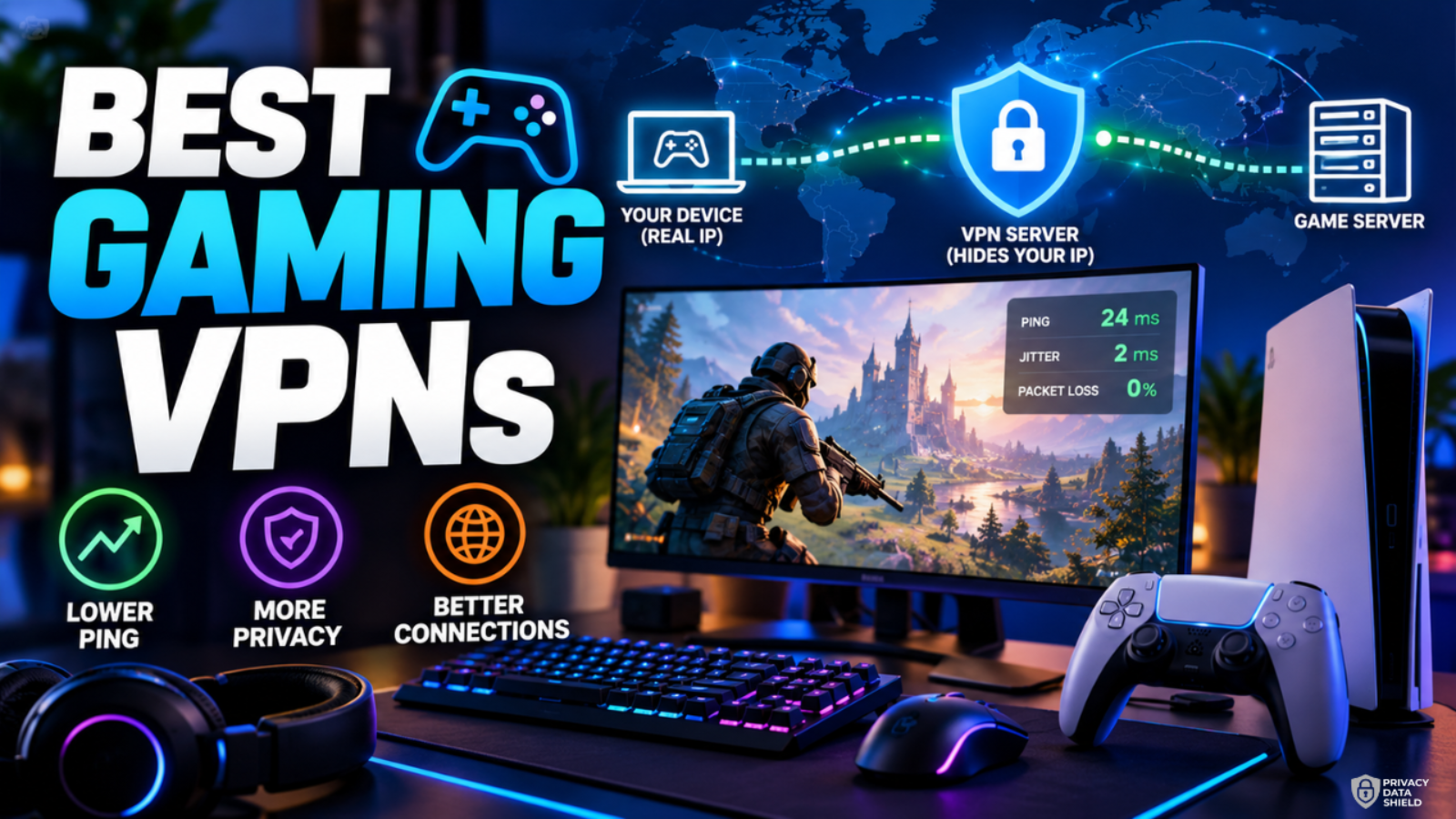
Best Gaming VPNs: What Actually Matters for Online Play
A sudden ping spike during a ranked match, repeated packet loss, or concerns about exposing your IP address can make online gaming frustrating. A gaming VPN may help in certain situations, but it isn’t a guaranteed fix for lag.
The best gaming VPNs combine reliable connections, suitable server locations, modern VPN protocols, and useful privacy features. The right choice depends on your game, location, internet provider, and whether you play on PC, PlayStation, Xbox, or mobile.
This guide compares selected VPN providers, explains their limitations, and shows you how to test whether a VPN improves your connection before committing to a subscription.
Do You Actually Need a VPN for Gaming?
A VPN, or virtual private network, encrypts traffic between your device and a VPN server and generally replaces your public IP address with the server’s IP address for internet connections routed through it.
That can be useful for several reasons:
- Unusual ISP routing: Your internet provider may send traffic along an inefficient route. A VPN could provide a better route to a game server in some cases.
- IP address privacy: If another player learns your public IP address through a peer-to-peer connection or another exposed service, a VPN may help conceal your home IP.
- Gaming while traveling: A VPN can help you connect through a server in a familiar region, provided the game permits this use.
- Public Wi-Fi security: Encryption adds protection when gaming or accessing accounts on an untrusted network.
- Access to your home network: Certain VPN configurations let you connect securely to devices at home while away.
A VPN is less likely to help when your Wi-Fi signal is weak, your router is overloaded, your internet connection is congested, or the game server is far away. In those cases, adding another network hop can make the connection worse.
Can a VPN Reduce Ping or Improve Gaming Performance?
Ping measures how long a network message takes to travel to a destination and return, usually in milliseconds. Lower ping generally means quicker responses, but it is only one part of connection quality.
Three other factors matter:
- Latency: The delay involved in sending and receiving data.
- Jitter: How much that delay varies over time. High jitter can make gameplay feel inconsistent even when average ping looks acceptable.
- Packet loss: Data packets that fail to reach their destination. This can cause rubber-banding, delayed actions, and voice-chat problems.
Physical distance matters because data cannot travel instantaneously, and traffic passes through networking equipment along the way. Cloudflare’s latency guide explains the relationship between distance, network infrastructure, and delays.
A VPN may improve performance when your normal ISP route is congested or inefficient and the VPN provides a better path. However, encryption, server load, and the additional route can increase latency.
For competitive games, try a wired Ethernet connection before paying for a VPN. If your connection is already stable, changing VPN providers may do little to improve gameplay.
How to test fairly: Play the same game on the same server with your regular connection and with a VPN. Repeat the test at similar times, using the same device and network. Compare average ping, ping spikes, packet loss, and actual gameplay stability. Don’t rely on download speed alone.
What Makes a Good Gaming VPN?
The most useful features for gaming are practical rather than flashy.
- Low and stable latency: Look for consistent connections, not just a provider’s fastest advertised speed.
- Nearby server locations: A server close to you or along a better route to the game may help.
- Modern protocols: WireGuard and provider-specific protocols such as NordLynx and Lightway are worth considering. Actual performance depends on your network and server.
- Reliable privacy features: Check the provider’s privacy policy, independent audit history, encryption, and kill switch options.
- Split tunneling: Available on some apps, this lets you route selected applications through the VPN while others use your normal connection.
- Router compatibility: Useful for consoles that don’t support a provider’s VPN app directly.
- Clear support and refund terms: Setup assistance matters, especially when configuring a router.
A large server network is not proof of better gaming performance. The route to your particular game server matters more than the provider’s headline server count.
Best Gaming VPNs Compared
The following are use-case-based recommendations, not winners from a head-to-head gaming benchmark. No independent, controlled gaming latency test was established for this article, so the recommendations are based on documented features and setup options rather than invented ping results.
1. ExpressVPN – Best for straightforward setup across devices

The highly popular VPN service, ExpressVPN uses TrustedServer technology for best-in-class privacy and high connection speed. It is an excellent choice for secure browsing.


Best for: Gamers who value a simple app and want documented router options.
ExpressVPN offers Lightway, its own VPN protocol, with apps for Windows, macOS, Linux, Android, and iOS. It also documents router support and offers split tunneling on supported platforms.
What stands out
- Lightway provides a modern connection option.
- Applications cover major PC and mobile platforms.
- Split tunneling on supported devices can separate game traffic from other traffic.
- Router options make it possible to route compatible consoles through a VPN.
The drawback: Split tunneling is not available in the same form on every platform. Router setup may also require extra hardware or configuration, and there is no verified independent gaming benchmark here proving it beats the alternatives.
2. NordVPN – Best for PC gamers wanting flexible connections

The excellent speed makes NordVPN a great choice for high-speed browsing and downloading privately and securely.
Best for: PC gamers who want a conventional VPN plus private-device networking options.
NordVPN supports its NordLynx protocol, based on WireGuard, and offers a Windows app with gaming-relevant connection and privacy features. Its Meshnet feature can connect devices through an encrypted private network, which may be useful for certain private gaming setups.
What stands out
- NordLynx is a modern protocol designed for performance.
- Meshnet supports private connections between linked devices.
- App-based VPN protection helps conceal your normal public IP from services reached through the tunnel.
- Router and alternative network setups are available, although configuration requirements vary.
The drawback: Meshnet is not a universal fix for online matchmaking, and neither it nor the standard VPN guarantees lower ping. The published gaming performance figures on NordVPN’s own site are provider-reported, not an independent comparison.
3. Proton VPN – Best for privacy-conscious gamers and router setups

High-speed VPN that safeguards your privacy. Stay private and access your banking and social media accounts with peace of mind.
Best for: Gamers who prioritize privacy and want documented router configuration options.
Proton VPN documents split tunneling for supported applications and provides instructions for configuring compatible routers with OpenVPN or WireGuard. A router-based setup can cover devices that don’t run a native VPN app.
What stands out
- WireGuard and OpenVPN are available connection options.
- Split tunneling is supported on selected apps and operating systems.
- Official instructions cover several compatible router platforms.
- Router use can protect traffic from consoles and other devices on the configured network.
The drawback: Router compatibility depends on the hardware and firmware. Changing VPN servers through a router may require changing configuration files, and some app features are unavailable in router mode. Proton’s free plan should not be assumed to provide the same server choices or experience as its paid plans.
Comparison table
| VPN provider | Best suited for | Gaming-relevant features | Console support or setup | Main limitation |
|---|---|---|---|---|
| NordVPN | PC and private-device networking | NordLynx, Meshnet | Router or documented alternative setup | No guarantee of lower ping |
| ExpressVPN | Straightforward multi-device use | Lightway, split tunneling on supported platforms | Compatible router setup | Features vary by platform |
| Proton VPN | Privacy-focused users | WireGuard, OpenVPN, split tunneling on supported platforms | Compatible router with supported client | Router setup can be technical |
Best Gaming VPN by Platform
PC Gaming
PC is generally the simplest platform for VPN use because you can install a compatible desktop app directly. Start with a nearby server and a modern supported protocol, then compare the game’s connection quality with your normal route.
On Windows, split tunneling can be useful when you want only selected applications to use the VPN. Check the provider’s operating-system support before relying on a specific feature.
PlayStation and Xbox
Don’t assume you can install any VPN directly on a PS5 or Xbox. Console VPN support differs from PC and mobile app support.
A common option is a compatible router configured as a VPN client. For example, Proton VPN documents router configurations using OpenVPN or WireGuard, while Surfshark documents supported router setups.
Router performance depends on its hardware, firmware, and configuration. A router that is too slow to handle encryption can reduce throughput or create instability. Check the manufacturer’s instructions before changing router firmware.
Mobile Gaming
Android and iOS VPN apps can protect traffic routed through the VPN, but switching between Wi-Fi and mobile data may interrupt the connection. VPN processing can also use additional battery, depending on the device and settings.
For games that depend on very low latency, compare your usual mobile connection with the VPN enabled. A VPN won’t fix poor cellular reception or congestion on the mobile network.
How to Set Up a VPN for Gaming
- Identify the problem. Decide whether you’re troubleshooting routing, protecting your IP address, securing public Wi-Fi, or connecting to a private network.
- Check the rules. Review the game publisher’s terms and the platform’s policies for the intended use.
- Choose a suitable provider. Check support for your device, protocol options, and router requirements.
- Choose a sensible server. Start with a nearby server or a location that offers a plausible alternative route to the game server.
- Record your normal performance. Note ping, jitter, packet loss, and connection stability without the VPN.
- Enable the VPN. Use the provider’s official app or documented router instructions.
- Repeat the same test. Use the same game, region, device, and approximate time.
- Keep it only if it helps. Retain the VPN if measurements show a benefit or if privacy is your main reason for using it.
A VPN server close to the game server isn’t automatically the best choice. Your physical location, ISP routing, VPN server load, and game infrastructure all influence the result.
Gaming VPN Problems and Fixes
If gaming becomes less stable after you enable a VPN, troubleshoot one issue at a time.
| Problem | What to try |
|---|---|
| Ping increases | Disconnect the VPN, then test a different nearby server and supported protocol. |
| Frequent disconnects | Check your internet connection, VPN app updates, and server status. |
| Packet loss or unstable gameplay | Test with Ethernet, stop heavy downloads, and compare VPN-off and VPN-on results. |
| Matchmaking fails | Check the game’s support documentation, server status, and network requirements. |
| Console cannot connect to VPN | Verify router-client compatibility and follow the provider’s official configuration guide. |
| Voice chat stops working | Check voice-chat permissions, NAT requirements, and whether the VPN changes the route or IP expected by the service. |
If a problem occurs only while connected to a VPN, try another server and check whether the issue disappears. If it persists without the VPN, investigate your router, Wi-Fi interference, ISP connection, or game server instead.
Avoid changing several network settings at once. Otherwise, you won’t know which change helped.
Gaming VPN Safety, Privacy, and Fair Play
A VPN can replace your public IP address with a VPN server address for traffic that travels through its tunnel. This can make it harder for another player to identify your home IP through certain connection setups.
However, a VPN is not a guarantee against DDoS attacks. Its usefulness depends on how the game routes traffic, whether your real IP is exposed elsewhere, and whether the attack targets your device, the VPN endpoint, or the game server itself. A VPN provider’s general security claims should not be treated as proof of comprehensive gaming-specific DDoS protection.
A VPN also doesn’t make you anonymous. Game accounts, browser fingerprints, payment records, and information you share can still identify you.
For better account security:
- Enable multifactor authentication wherever available.
- Use unique passwords and secure your email account.
- Keep your operating system, router, and VPN app updated.
- Avoid unofficial game clients and suspicious downloads.
- Follow game publisher rules and local law.
Don’t use a VPN to cheat, bypass anti-cheat systems, evade bans, or manipulate matchmaking in violation of a game’s rules.
Frequently Asked Questions
1. What is the best VPN for gaming?
There isn’t one universal winner. NordVPN is worth considering for PC gaming and its Meshnet feature; ExpressVPN offers Lightway and supported split tunneling; Proton VPN documents privacy-focused and router-based setups. Choose according to your device and requirements, then compare real gameplay performance before committing.
2. Can a VPN lower ping?
Yes, in some cases. If your ISP uses an inefficient or congested route, a VPN may provide a better path to the game server. However, VPN encryption and additional routing can increase latency. Test both connections under similar conditions rather than assuming a VPN will improve your ping.
3. Are gaming VPNs worth paying for?
They can be worthwhile if a VPN solves a specific routing problem, helps protect your IP address, or provides useful privacy on untrusted networks. If your connection is already stable and you only want lower ping, paying for a VPN may offer little benefit. Test the service during its applicable refund period before committing long term.
4. Can I use a VPN on PS5 or Xbox?
Usually, you need a supported router-based setup or another documented connection method rather than installing a conventional VPN app directly on the console. Router compatibility and configuration requirements vary by provider. Check the official setup guide for your router model before subscribing specifically for console gaming.
5. Does a VPN protect gamers from DDoS attacks?
It may reduce exposure of your home IP address when traffic is routed through the VPN, but it cannot prevent every DDoS attack. The protection depends on the game’s network architecture and which endpoint an attacker targets. Don’t treat a VPN as a substitute for account security or appropriate network protections.
6. Is it safe to use a VPN while gaming?
A reputable VPN can encrypt traffic between your device and the VPN server and conceal your normal public IP from many destinations. But it doesn’t guarantee anonymity or secure a compromised device. Review the provider’s privacy policy, enable multifactor authentication, keep software updated, and check the game’s rules before use.
Which Gaming VPN Should You Choose?
The right choice depends on what you’re trying to solve.
- For PC gaming and private-device networking: Consider NordVPN and evaluate whether Meshnet fits your setup.
- For a straightforward app across devices: Consider ExpressVPN and verify the split-tunneling features available on your platform.
- For privacy-focused use and router configuration: Consider Proton VPN if your router supports its documented setup options.
- For console gaming: Check router compatibility before buying any subscription. The quality of your router and internet connection can matter as much as your VPN provider.
Don’t buy a long subscription based on a claim that a VPN will automatically lower ping. Test the service first, review its refund terms, and keep it only if it meets your needs.
